
Name-Based Case Searches
The Bleckley Clerk of Superior Court WebCaseSearch page is the official local starting point. What greets you is a login screen, not public name fields. Users with existing Icon accounts can sign in with their credentials. The page shows no anonymous first-name, last-name, date-range, court, or case-type controls. So don't assume those options exist.
- Determine whether Superior Court holds the matter.
- Open the clerk’s Case Search link and review the Icon login boundary.
- Use an existing authorized UserID and password if eligible.
- If no account is available, contact the correct clerk with the party spelling, court, case type, and approximate year.
- Ask for the public docket or case index and identify any document needed.
If the name is common, tell staff the court and the rough filing year. Hold back sensitive identifiers unless the clerk asks for them through an approved channel.
| Field Label | Type | Required | Notes |
|---|---|---|---|
| UserID | Text | Yes to log in | No public format instruction |
| UserPassword | Password | Yes to log in | Masked entry |
| Remember User Name | Checkbox | No | Stores the username preference |
| Log In | Button | Action | Submits credentials |
Inside Bleckley Icon WebCaseSearch
The Icon Case Management page displays a plain "Please Login" notice plus version 5.1.3.1. That login wall is the key local fact. The screen lists no registration link, price, or maintenance window. It shows no wildcard rule, minimum name length, export function, result limit, refresh schedule, or image charge. Any Bleckley County docket search should separate what the page actually displays. Features that may appear only behind the login are another matter. The clerk's older vendor-built site and the current Icon version point to a long local technology history. Online access does not mean every year was digitized or that all images went up. Older Bleckley County records may still sit in bound indexes, storage, microfilm, or archives. Ask the clerk about the exact year and court. Don't treat an empty online result as proof no record exists. The page shows no wildcard rule, minimum name length, export function, result limit, refresh schedule, or image charge.
Case Number Searches
A case number is the strongest key when you have it. Enter it exactly as written, keeping every letter and punctuation mark. The published Superior criminal calendar follows a pattern like 2025R00123AB. That means a four-digit year, the letter R, sequential digits, then judge initials. The sample illustrates the calendar's structure. It is not a promise the example is valid or that every division matches it. Civil, Juvenile, Magistrate, Probate, and Municipal cases may follow other formats. PeachCourt diagnostics have shown case-type codes such as V for civil and PI for personal injury. But no single universal Bleckley syntax exists. When a number fails, check the court first. Copy it straight from the notice. Try the exact displayed form through an authorized account. Then hand the full number to clerk staff.
Find Bleckley Cases Without Numbers
A missing case number does not stop the search. Start with the court type and a calendar. Felony, divorce, title, and general civil matters belong to Superior Court. Small claims and dispossessories go to Magistrate. Estates and guardianships go to Probate. City ordinance cases and city-issued traffic tickets land in Cochran Municipal Court. Juvenile records carry special access limits. The Bleckley County calendar index can surface a Superior case number on the right dated PDF. Match the calendar type, the approximate date, and the public caption, then carry the number to a clerk inquiry. The Bleckley County court schedule explains how the PDF and the Oconee Circuit grid fit together. Keep in mind that one calendar row is only a scheduling slice, never the whole case file.
No number? Identify the court and year first, then ask the custodian to locate the public index before requesting documents.
Case Search Results Explained
A complete docket usually runs from case header data through parties and counsel, then chronological events, settings, disposition, and financial entries. The Bleckley County calendar gives you less. It covers scheduling and selected criminal fields. It does not promise clickable documents, a financial balance, or a final outcome.
| Case Number | The court identifier; preserve its letters and punctuation. |
|---|---|
| Style or Caption | The formal short title of the case. |
| Case Type | The court class or matter category shown by the source. |
| Filed Date | The date the court accepted the initiating filing, not the hearing date. |
| Status | The recorded procedural state, which may require the complete docket to interpret. |
| Events | The chronological index of filings, orders, settings, and outcomes. |
A result row, a calendar row, and a docket event each answer a different question. The search result locates a file. The calendar row captures one setting at one moment. The docket event records an action in the chronology. None of them alone guarantees that every document image is public or downloadable.
One Search Cannot Cover Bleckley Courts
Bleckley County has no separate State Court in the official e-access matrix. The work is split among Superior, Juvenile, Magistrate, Probate, and Cochran Municipal courts. Each lower court keeps its own cases. An Icon search tied to the Clerk of Superior Court is therefore not a countywide sweep. It does not cover every docket.
| Court | Typical docket | Fallback |
|---|---|---|
| Superior | Felony, general civil, domestic relations | Clerk option 2 or 112 N. Second St. |
| Magistrate | Small claims, dispossessory, warrants | Option 5 or 304 SE Second St. |
| Probate | Estates, guardianships, assigned traffic | Option 4 or 306 SE Second St. |
| Cochran Municipal | City ordinance and city traffic | Municipal Court clerk |
Call 478-934-3200 and pick the documented option for the county court. Municipal Court uses its own city contact. For Juvenile matters, start with the Superior clerk, but expect statutory restrictions.
Two Ways to Search: County and State
The county and state routes are related but not interchangeable. Georgia offers no single anonymous search for all trial courts. The Judicial Council E-Access directory lists Bleckley Superior. It sends users to PeachCourt with an account warning. The county clerk separately links Icon WebCaseSearch. PeachCourt also serves as the mandatory civil e-filing provider for Bleckley Superior Court.
| Georgia directory and PeachCourt | Bleckley Icon route |
|---|---|
| State-endorsed directory and provider | County clerk case-management route |
| Account required | Visible public page is login-gated |
| Also supports required civil e-filing | Not shown as a free certified-copy service |
| Not a universal statewide results page | Not shown to cover lower courts |
The PeachCourt service is an official provider named by Georgia’s judiciary.
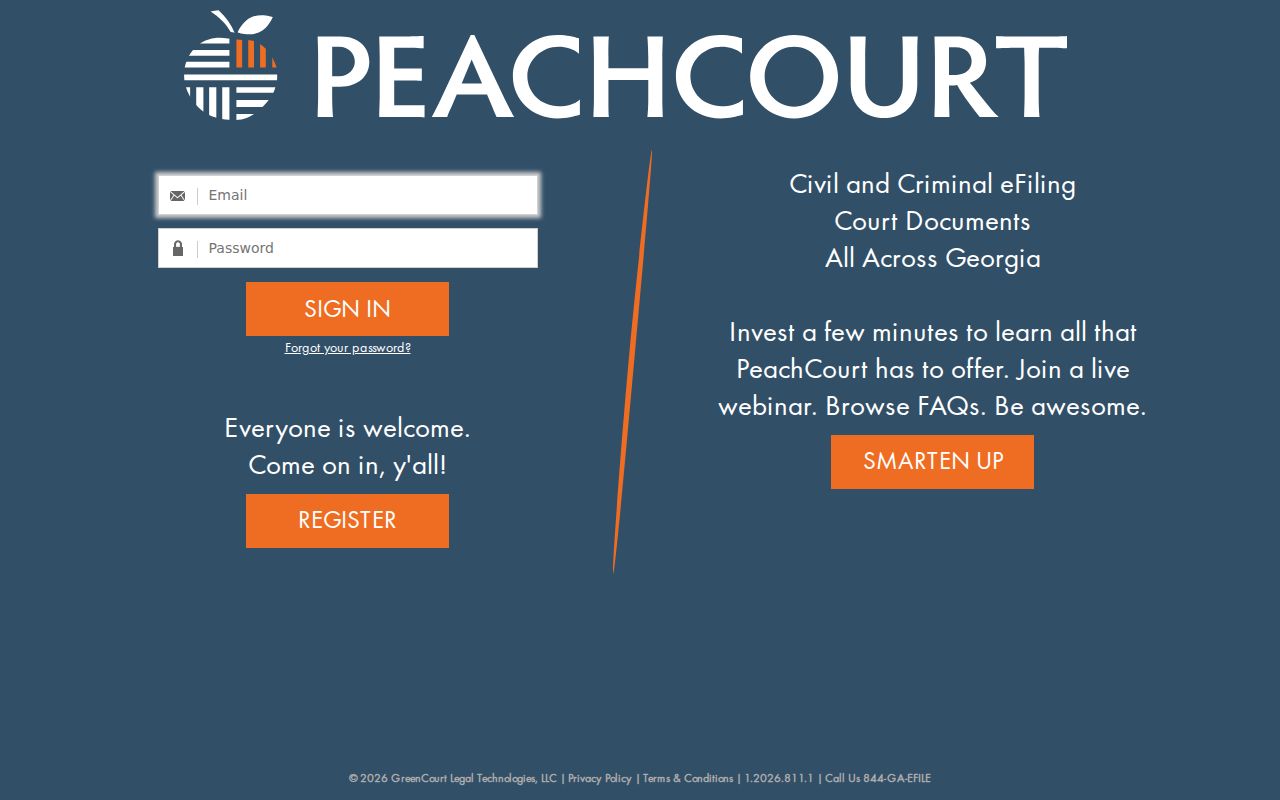
Keep the roles straight. Account-based access and e-filing are not the same as anonymous docket reading or a certified copy from the clerk.
When Bleckley Search Shows Nothing
A blank result is a prompt, not an answer. Check the spelling first. Then verify the exact court, the case year, the type, and the number format. The matter may sit in Magistrate, Probate, Municipal, Juvenile, appellate, or federal court, so look at the proper calendar type as well. Still nothing? Call the creating court and ask whether the file is old, offsite, sealed, restricted, or simply unavailable through that account.
Name the document when you ask. Requesting only "the record" slows things down. For legal authentication, ask for a certified or exemplified copy and a fee quote. The Superior clerk handles in-person inquiries and telephone scoping, and staff can discuss mail or fax options. The office posts no local fee sheet, email route, online certified-copy order, terminal promise, or turnaround time.
One caution. A missing online entry can reflect the wrong court or an access limit. It does not establish dismissal, sealing, or nonexistence.
Which Cases Stay Restricted
Bleckley County court records start open. Uniform Superior Court Rule 21 presumes public inspection unless law or court procedure limits access. Rule 21.6 shields personal identifiers from view. Juvenile dependency and delinquency files carry special restrictions of their own. Adoption and sealed matters never appear as ordinary public search results. Some family material may be released only in redacted form or under access limits.
Restricted is not erased. A Georgia record restriction under O.C.G.A. §35-3-37 governs criminal-history dissemination. So it does not automatically erase the court docket. A separate 2025 judicial-security process under O.C.G.A. §15-5-112 lets qualifying judges and spouses seek restriction of specified personal information. If a clerk denies access, ask for the public portion. Also ask for the authority behind the denial. Never push for protected data.
Access rule: A public docket index is different from unrestricted access to every filing image or protected identifier.
Bleckley Appeals Need New Searches
An appeal builds a second docket. The notice of appeal shows up in the Superior Court record, but the Court of Appeals of Georgia or Supreme Court of Georgia assigns its own appellate number after docketing. That layer needs its own search. Use the official Court of Appeals docket search or the Supreme Court docket search to reach it.
Federal cases live elsewhere too. Bleckley County sits in the Middle District of Georgia. Its cases run through PACER and CM/ECF rather than Icon, and bankruptcy has its own Middle District court system. Search with the correct federal or appellate number. A local trial number will not act as the final identifier in a different court.
Custodians split the same way. The Clerk of Superior Court keeps the local trial record, while an appellate clerk holds the appeal docket and a federal clerk keeps the federal record. Aim a request at the right office. That beats repeating the same name in the wrong database.